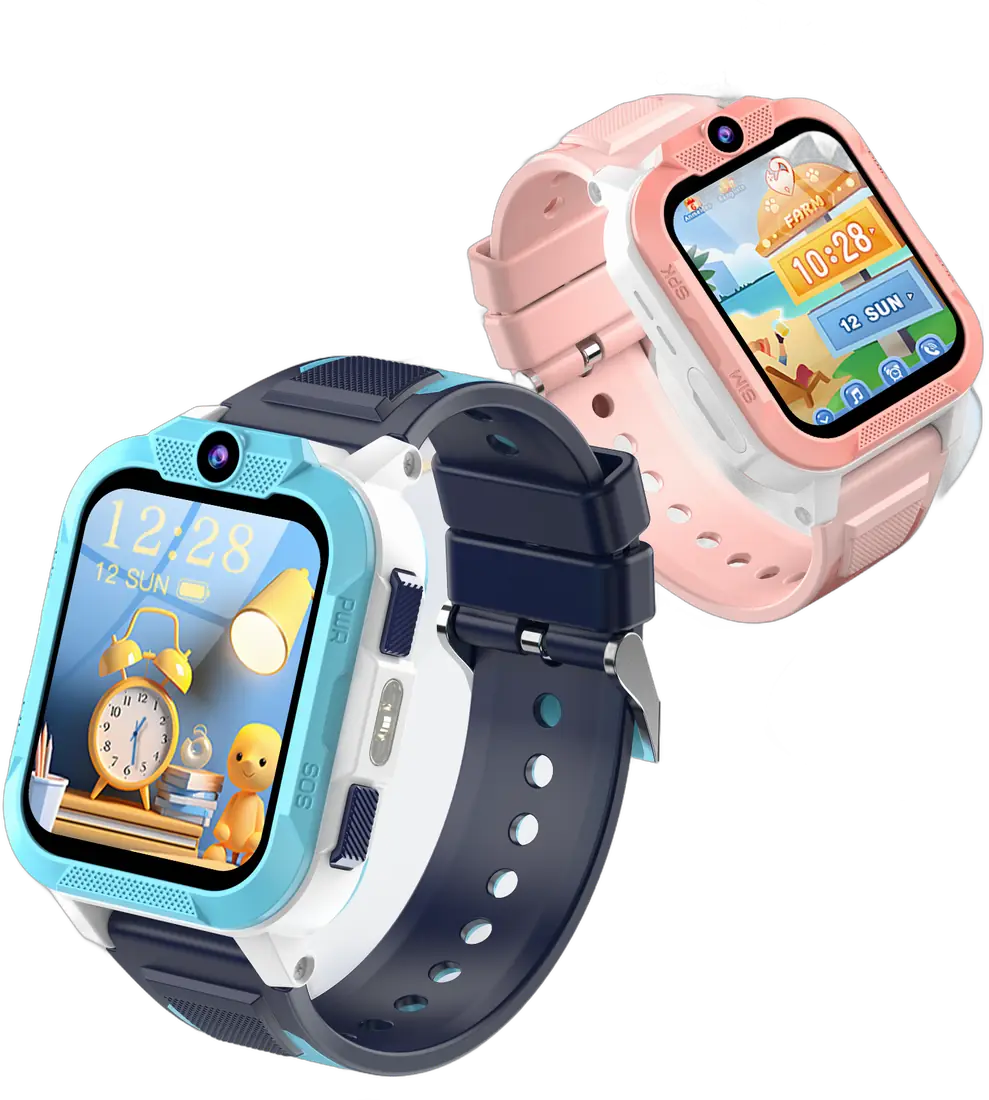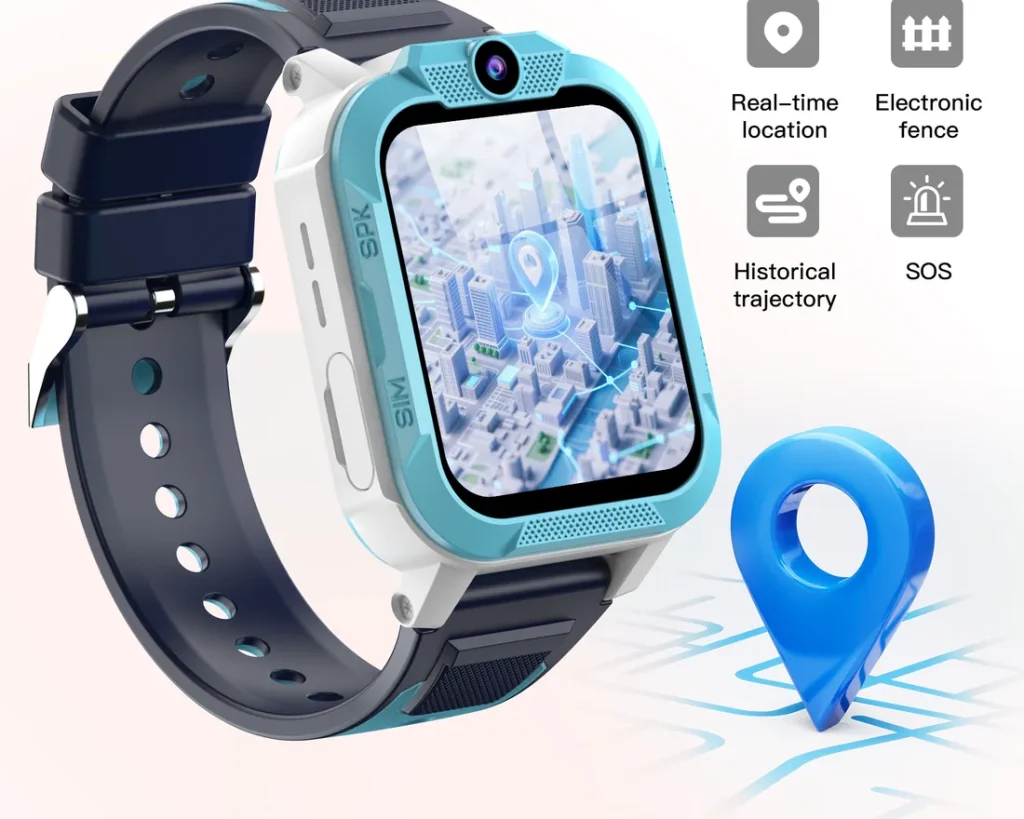
Live location is the feature most parents buy a kids’ smartwatch for, so it is worth knowing how it works and what to expect. The short version: outdoors it is usually very good, indoors it can be approximate, and the watch combines several methods to give you the best answer it can.
Three ways a watch finds its position
A watch like the Blackview Z40 Pro uses triple positioning:
- GPS (satellites). The most precise method outdoors with a clear view of the sky, often accurate to a few metres.
- Wi-Fi. The watch recognises nearby Wi-Fi networks to estimate its position. Useful in towns and indoors, typically less precise than GPS.
- LBS (mobile network). Location based on nearby phone masts. It works almost everywhere with signal, but it is the least precise, sometimes by hundreds of metres.
The watch picks the best source available at that moment, which is why the circle on the map can be smaller or larger from one update to the next.
Why indoors is harder
GPS signals are weak and do not pass well through roofs and walls. Inside a school, a shopping centre or a house, the watch often falls back to Wi-Fi or the mobile network. You will still see roughly where your child is, but you may see a wider circle, or a position a street away.
What affects accuracy
- Sky view. Tall buildings and narrow streets can bounce GPS signals.
- Movement. A fresh fix after the watch has been still for a while can take a moment to settle.
- Update frequency. More frequent updates give a fresher picture but use more battery.
- Signal. Without mobile data, the watch cannot send its position to your app at all.
How to get the best results
- Wear the watch on the wrist rather than keeping it in a bag.
- Set safe zones for home and school large enough to cover the whole building and playground, so small drifts do not trigger false alerts.
- Use the location history to understand the usual route rather than reacting to a single dot.
- If something looks wrong, request a fresh location or call the watch.
What location tracking is not
A kids’ smartwatch is a reassurance tool, not an emergency service. The SOS button alerts the contacts you choose, not 999. It helps to talk to your child about what to do if they are lost or worried, and to practise pressing SOS together.
Planning that first walk alone? Our walking-to-school checklist goes step by step.
This guide is general information for UK parents. Features and network details can change, so check the latest information from your mobile network and your child's school.