A kids’ smartwatch works hard: it keeps a 4G connection, reports its location and handles calls, all from a battery small enough to fit on a child’s wrist. A few settings and a simple routine make a big difference.
What uses the most battery
- Video calls. Camera, screen and data all at once.
- Frequent location updates. Especially live tracking every minute or two.
- Weak signal. The watch works harder to stay connected in poor coverage.
- A bright screen that stays on.
Settings that help
- Use a moderate location update interval day to day, and a faster one only for special journeys.
- Keep video calls for when they matter, and use voice messages for quick check-ins.
- Lower the screen brightness and shorten the screen timeout if the watch allows it.
- Use class-time quiet hours so the watch is not lighting up during lessons.
A charging routine that sticks
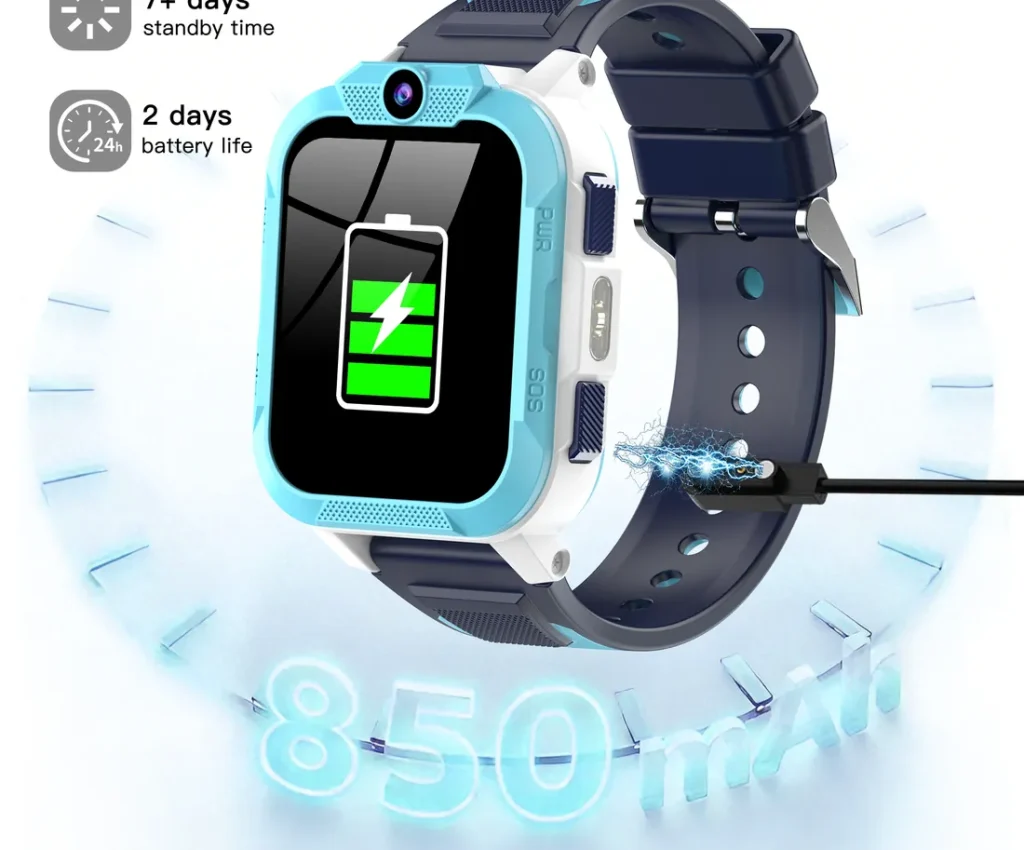
Most families charge overnight, in the same place every evening, like a toothbrush. The Blackview Z40 Pro has an 850 mAh battery rated for up to 2 days of typical use and 7+ days on standby, so an evening charge keeps it ready for school and clubs.
Look after the battery
- Use the cable supplied, with a standard USB plug.
- Avoid leaving the watch in very hot places, like a sunny car dashboard.
- Make sure the watch and charging contacts are dry before charging.
When the battery seems to drain fast
- Check the location update frequency in the parent app.
- Check how many video calls were made that day.
- Check the signal where the watch spends most of its time.
- Restart the watch.
If it still drains unusually fast, contact us: every watch is covered by our warranty.
This guide is general information for UK parents. Features and network details can change, so check the latest information from your mobile network and your child's school.
