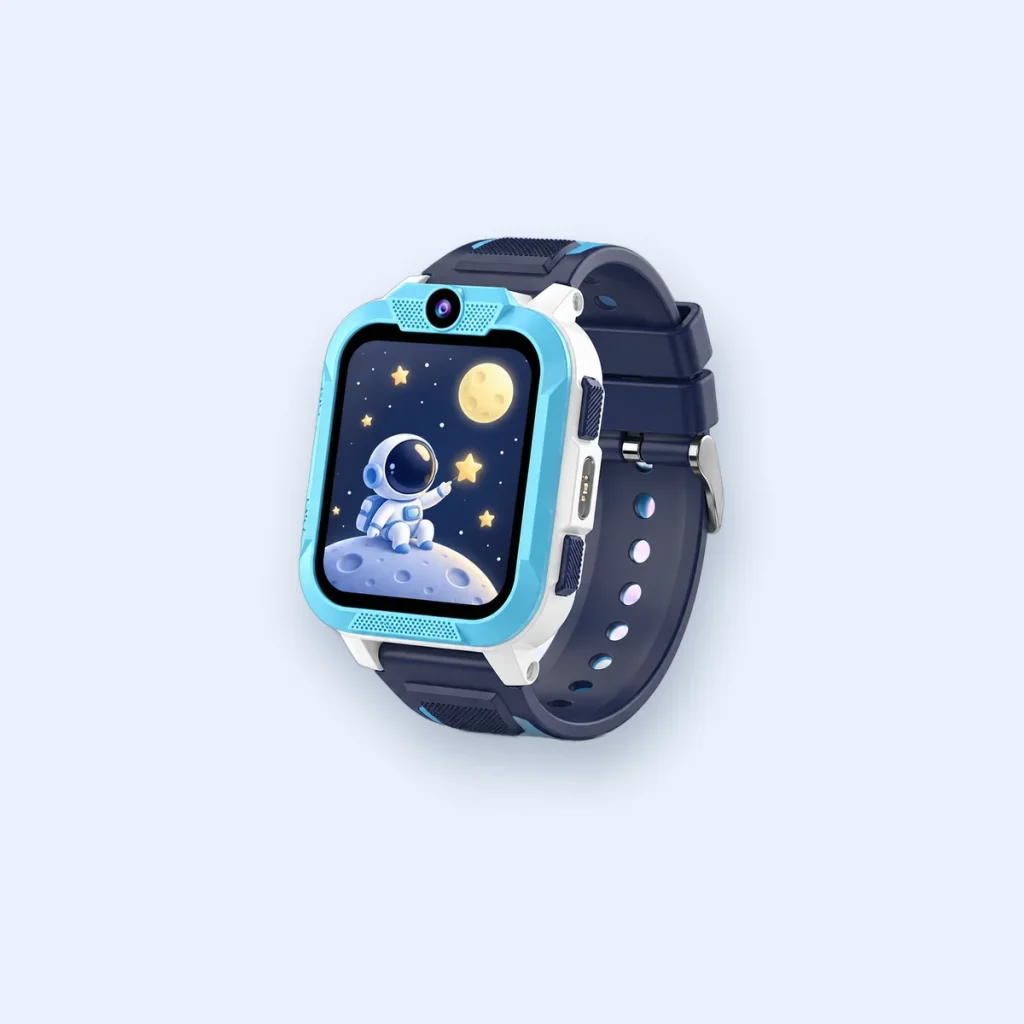
Many children wear their smartwatch on the walk to school, which raises a fair question: what happens when the bell rings? There is no single national rule for smartwatches, so the answer depends on your child’s school. Here is how to approach it.
How UK schools usually approach it
In 2024 the Department for Education published guidance encouraging schools in England to restrict the use of mobile phones during the school day. Schools set their own policies, and many apply similar expectations to smartwatches that can call or message. In practice you will usually see one of three approaches:
- Allowed, but silent during lessons and breaks.
- Handed in at the start of the day and collected at home time.
- Not allowed on site, often with exceptions for specific needs.
The school’s behaviour or mobile phone policy is normally on its website. If it does not mention smartwatches, ask the office.
Class mode: the feature that makes it work
A good kids’ smartwatch lets you set class-time quiet hours from the parent app. On the Blackview Z40 Pro, class mode silences calls and notifications during the hours you choose, so the watch does not distract in lessons. The SOS button stays available.
Because it is set from your phone, your child cannot simply switch it off, and you can match it to the exact school timetable, including clubs.
Talking to the school
A short, friendly message usually works best. It helps to explain:
- why your child has the watch, for example walking to school on their own,
- that it only calls approved family contacts,
- that class mode keeps it silent during the school day,
- that you are happy for it to be handed in if that is the school’s preference.
If the watch has to be handed in
That is fine for most families: the watch does its main job before and after school. Ask your child to hand it in switched on only if the school agrees, otherwise switched off, and to collect it before leaving. Location sharing picks up again as soon as it is back on.
Agree the rules at home too
Children follow rules they helped make. Agree together when the watch is worn, when it is silent and what the SOS button is for. Our guide to safety settings to check on day one is a good place to start.
This guide is general information for UK parents. Features and network details can change, so check the latest information from your mobile network and your child's school.
