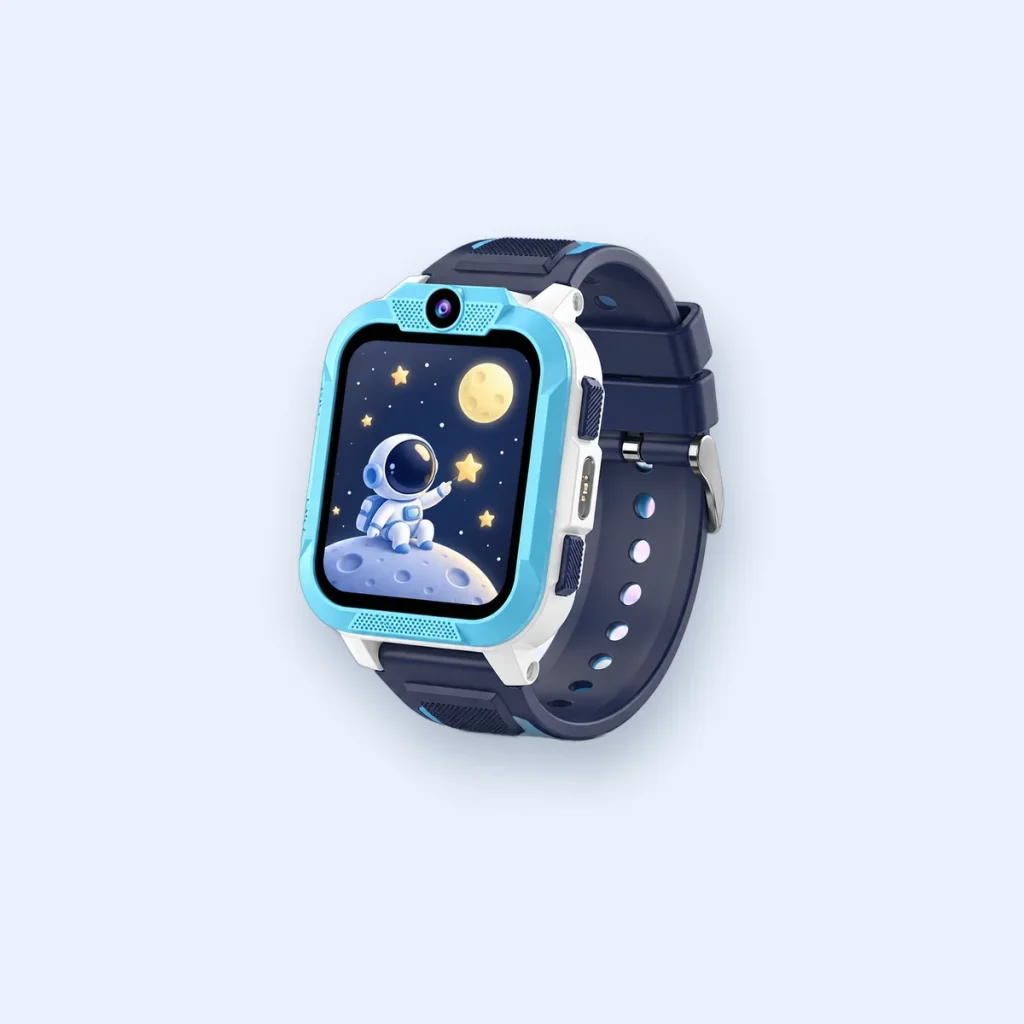
A kids’ smartwatch is only as helpful as its settings. These nine take a few minutes in the parent app and make a real difference from day one. Menu names vary between apps, so look for the closest match.
1. A short list of approved contacts
Only the people your child actually needs. Fewer contacts means fewer accidental calls and a clearer idea of who to ring.
2. Block unknown callers
Make sure calls from numbers outside the contact list are blocked. On the Blackview Z40 Pro only approved contacts can call.
3. SOS contacts who will answer
Choose people who keep their phone on them. Test the SOS button together so your child knows how it feels to press and what happens next.
4. Safe zones
Set zones for home, school and regular places such as a club or a grandparent’s house. Make them large enough to avoid false alerts from small location drifts. Our guide to GPS accuracy explains why.
5. Class-time quiet hours
Silence calls and notifications during lessons. The SOS button stays available. See our guide to smartwatches at school.
6. Location update frequency
A sensible default balances fresh location with battery life. Increase it for a first solo journey, then turn it back down.
7. Who else can see the watch
If another parent or carer uses the app, check what they can see and change. Remove anyone who no longer needs access.
8. Spending cap on the SIM
Ask the mobile network to set a spending cap and block premium-rate numbers and roaming if you do not need them.
9. A strong password for the parent app
The app shows your child’s location, so protect it like a banking app: a unique password and, if offered, two-step verification.
Talk it through
Settings work best with a conversation. Agree together:
- when the watch is worn and when it is charged,
- what SOS is for,
- what to do if they feel lost or worried,
- that they should tell you if anyone they do not know tries to contact them.
This guide is general information for UK parents. Features and network details can change, so check the latest information from your mobile network and your child's school.
