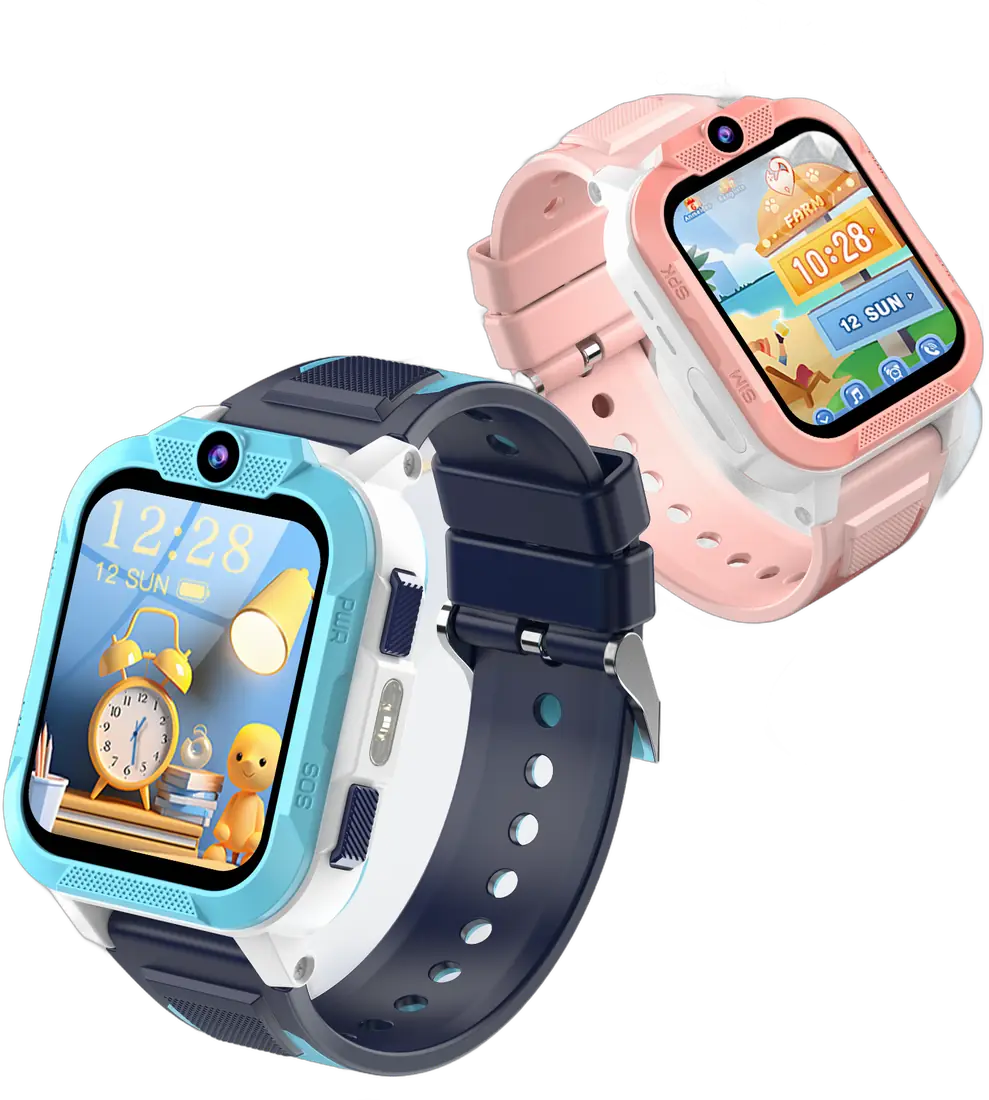
A kids’ smartwatch with calling and live location works like a very small phone: it needs its own SIM card and its own number. The good news is that it does not need an expensive plan. The bad news is that the wrong SIM is the number one reason a new watch “does not work” on day one. This guide walks you through what actually matters in the UK.
What the SIM needs to include
For a 4G watch such as the Blackview Z40 Pro, choose a SIM that includes all three of these:
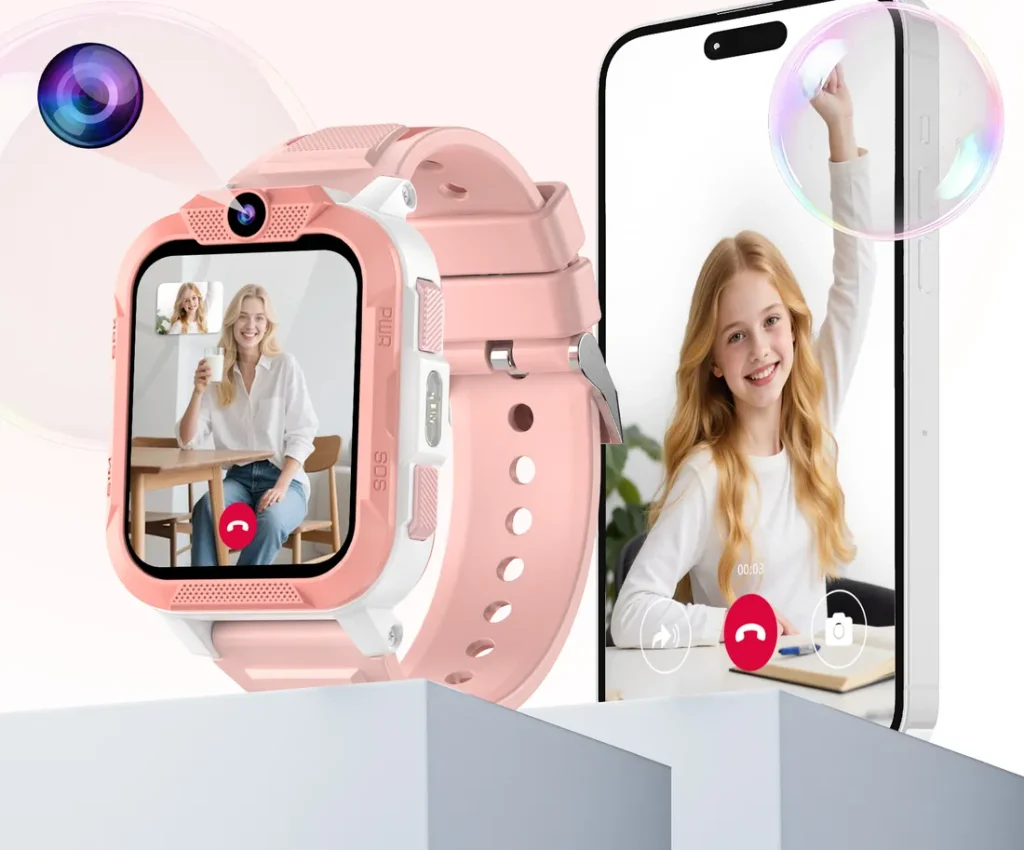
- Mobile data, for live location, voice messages and video calls through the parent app.
- Calls, so your child can ring the contacts you approve and you can ring the watch.
- Texts, which some watches use for alerts and setup.
A data-only SIM is the most common mistake. The watch may connect to the app, but calls will not go through.
Size: nano SIM
Most kids’ smartwatches, the Z40 Pro included, take a nano SIM, the smallest physical size. Almost every UK network now sends a “triple cut” SIM that pops out to nano size, so this is rarely a problem. An eSIM will not work in a watch that has a physical SIM slot.
4G and VoLTE: why it matters in the UK
The UK networks have switched off their 3G services, so a modern watch relies on 4G. On 4G, voice calls travel over a technology called VoLTE (Voice over LTE). Most major networks support it, but support can vary between smaller brands and between plans. If calls fail while data works, VoLTE support is the first thing to ask your network about. We explain the background in why a kids’ smartwatch needs 4G in the UK.
How much data does a kids’ smartwatch use?
Much less than a phone. There is no web browser, video streaming or app store to eat through a data allowance. Most of the data goes on:
- regular location updates to the parent app,
- voice messages,
- video calls, which use by far the most.
For most families, a small allowance is plenty. If your child will make frequent video calls, choose a little more headroom, then check the usage in your network’s app after the first month and adjust.
Pay as you go or monthly?
| Pay as you go | SIM-only monthly | |
|---|---|---|
| Commitment | None | Usually 1 to 12 months |
| Best for | Trying the watch, light use | Regular use, predictable cost |
| Watch out for | Credit running out without you noticing | Minimum term and price rises |
Most UK networks send their SIM cards free of charge, so you can order one online the same day you order the watch. Many parents start on pay as you go to see how the watch is used, then move to a low-cost monthly plan. If you choose pay as you go, turn on auto top-up so location tracking never stops because the credit ran out.
The PIN lock trap
While the SIM is in the phone, also check that it is activated and has credit or an active plan. New SIMs can take a few hours to activate.
Spending caps and extras
Ask your network to set a spending cap and to block premium-rate numbers and roaming if you do not need them. These are free to set up on most UK networks and mean the bill can never surprise you.
Quick checklist
- Nano SIM with data, calls and texts
- 4G, with VoLTE supported on your plan
- PIN lock turned off, tested in a phone first
- Auto top-up or a monthly plan, plus a spending cap
Once the SIM is ready, setting up the watch takes about ten minutes. Our step-by-step setup guide covers the rest, and our support page answers the most common questions.
This guide is general information for UK parents. Features and network details can change, so check the latest information from your mobile network and your child's school.