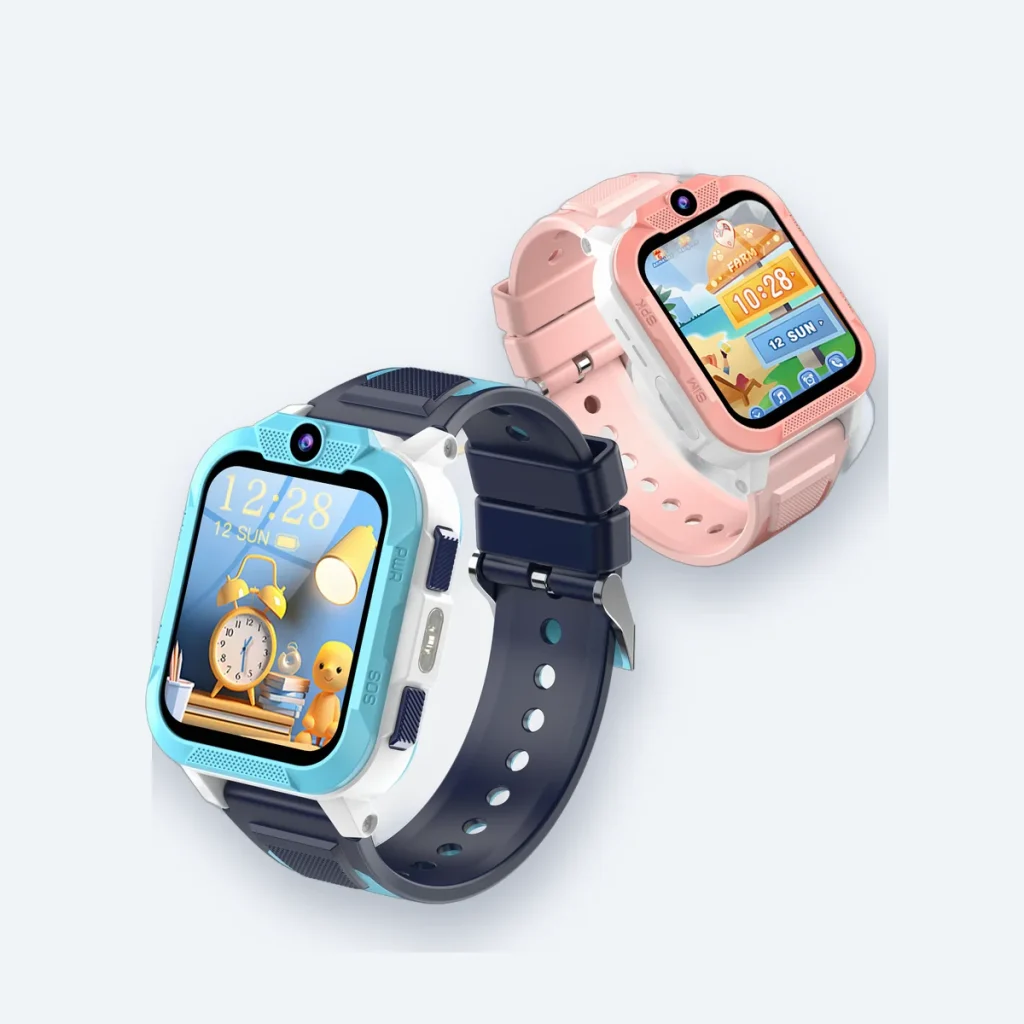
The price of a children’s smartwatch is only one part of the buying decision. Before choosing a 4G watch, compare the purchase price, the mobile plan and any extras you actually need. This checklist helps you compare offers on the same basis.
Start with the watch price
The Blackview Z40 Pro in our shop is currently £49.99. Check the selected colour and the final order summary before paying. Compare the same model and included accessories when looking at different sellers; a lower headline price does not tell you what is included.
Budget separately for mobile connectivity
Do not assume a watch purchase includes a SIM or a mobile plan. Check the SIM requirements and the network’s compatibility with the exact watch before buying a plan. Calls and mobile data may have separate allowances or limits. Our SIM buying guide explains the questions to ask.
To estimate a first-year budget, add the watch price, any one-off setup or delivery charges and twelve monthly plan payments. For example, a hypothetical £5 monthly plan adds £60 over a year. This is an illustration, not an advertised mobile tariff or a compatibility recommendation.
Check how the plan ends
Look for the minimum term, renewal arrangements and cancellation process. A low monthly price can still be unsuitable if the commitment is longer than you want. Keep the mobile provider’s terms separate from the watch seller’s return policy.
Avoid buying extras twice
Read the product’s in-the-box list before adding a charger, strap or accessory. Confirm that replacement charging equipment matches the watch rather than assuming that a similar-looking connector will fit.
Choose for the routine, not just the feature list
Decide who will manage the parent account, charging and approved contacts. Check the school’s policy before planning to use a watch during lessons. If the family is choosing between a watch and a phone, our watch or first phone guide can help structure that decision.
See the Blackview Z40 Pro, current price and colour options, or contact us with a question before ordering.
Questions to ask before choosing a mobile plan
The Blackview Z40 Pro and the mobile service are separate decisions. Do not choose a plan just because it has a low headline price.
- Ask the provider to confirm the network bands and voice service required by your exact watch.
- Check coverage at home, school and the places where the watch will be used.
- Compare the full plan cost, activation charges, allowances, minimum term and cancellation conditions.
- Check whether video calling and location updates fit within the data allowance. Usage varies, so no fixed allowance is guaranteed here.
What should you test at setup?
With your child and a parent present, test an ordinary call, the configured SOS action and the last reported location. A location may be delayed or imprecise. The watch does not replace adult supervision or an emergency service.
See the current Blackview Z40 Pro price and colour options. For a compatibility question, contact support before choosing a plan.
This guide is general information for UK parents. Features and network details can change, so check the latest information from your mobile network and your child's school.
